Building VercelLens: Vercel Analytics on Android
Farirai Masocha / May 11, 2026
Building VercelLens: Vercel Analytics on Android
I deploy most of my side projects to Vercel. At some point I noticed a pattern: I would push a change, close the laptop, and then want to check whether traffic had moved — but the only way to do that was to open the Vercel dashboard in a browser. That loop felt off. The deployment happened from a terminal. The check should be possible from a phone.
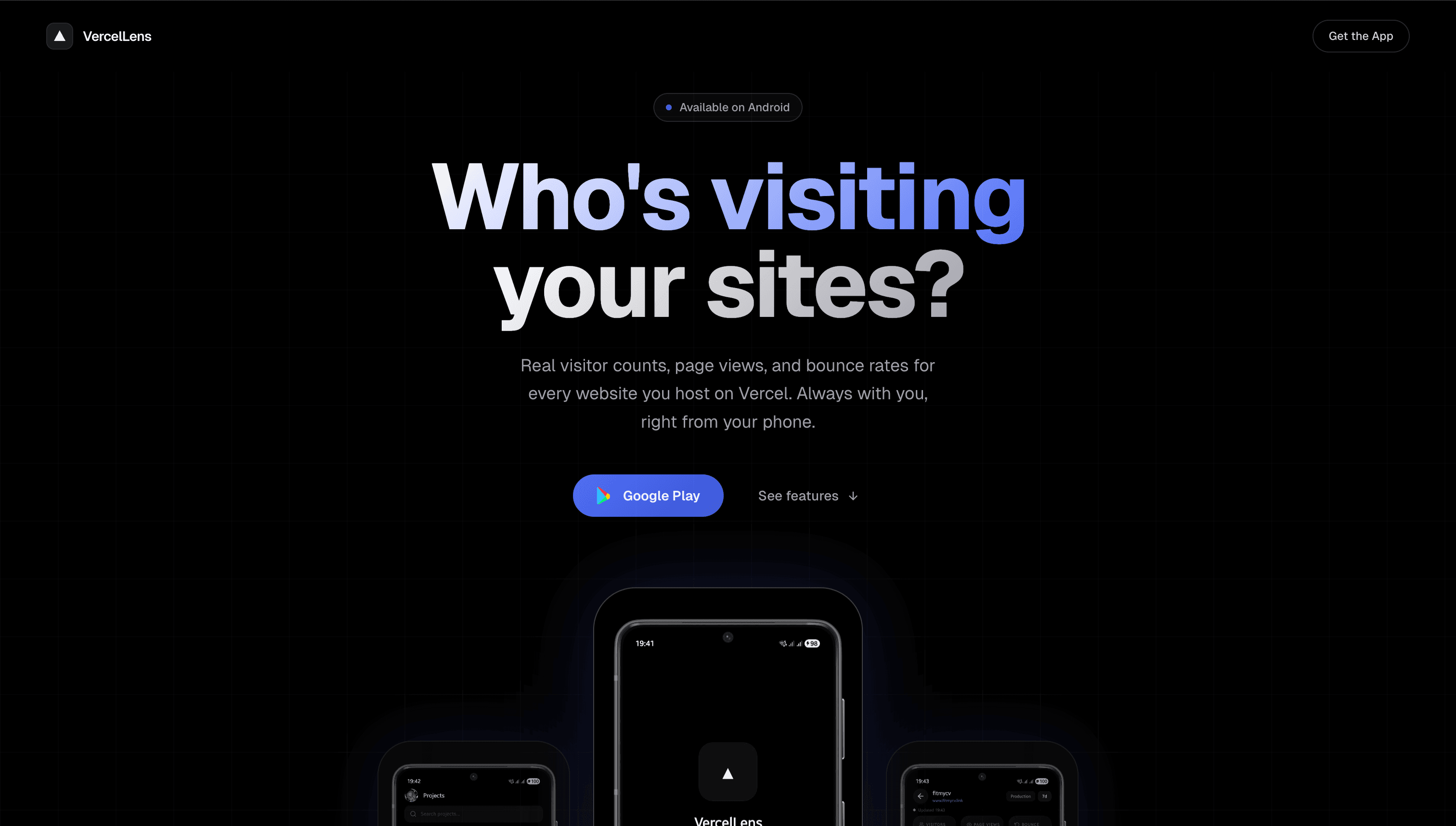
So I built VercelLens: an Android app that connects to your Vercel account and shows you live analytics for all your sites.
The Gap
Vercel's analytics dashboard is good. It is fast, well-designed, and shows everything you need. But it is browser-only. There is no official mobile client, and no lightweight way to answer the question "how is this site doing right now" from your phone.
That question comes up more than you might expect. Watching traffic during a launch. Checking bounce rate after a redesign goes live. Glancing at a new post while commuting. In every one of those cases, the browser dashboard is too much ceremony for a simple status check.
The Shape of the App
VercelLens is built around two main screens.
The first is the projects list. It pulls all your Vercel-hosted sites and shows them in a searchable list with the live URL for each project. If you have a lot of sites, the search keeps the list usable without scrolling forever.
The second is the analytics screen. Tap a project and you land on a view with real-time visitor counts, page views, bounce rate, and a line chart showing the traffic trend. A time-range selector at the top switches the window between 24 hours, 7 days, and 30 days.
Below the chart, a per-page breakdown shows which routes are driving traffic. That last piece is more useful than it sounds. On a content site, it shows whether a new post is actually getting traction. On an app, it shows which routes people are actually using.
Multi-Site Without Noise
One thing I wanted to get right was managing multiple sites without the screen feeling cluttered. The approach was simple: a flat searchable list, one row per project, live URL visible without tapping in.
Most of the time you know which site you want. Search gets you there faster than scrolling. For the rare moments when you want to compare traffic across sites, the list is quick to scan.
Real-Time Data
The analytics screen shows live data. Visitor counts and page views reflect the current state of the site, not a stale snapshot. Bounce rate includes a trend indicator so you can see at a glance whether it is rising or falling.
This matters most during a launch or right after pushing a significant change. Watching the numbers update in real time is a quick signal that the deployment is working and people are arriving.
Time Ranges
The 24-hour window is the one I use most. It answers the day-to-day question: is anything unusual happening today? The 7-day window shows weekly shape — useful for content sites where traffic spikes on publish days. The 30-day window is better for slower-moving questions, like whether a SEO change is having any effect.
Keeping the range choices to three options was a deliberate call. More granularity would make the selector a decision to manage rather than a quick tap.
What I Would Add Next
The most useful next step would be a home screen widget showing live visitor counts for a pinned project. That eliminates even the tap to open the app for the most common check.
After that, push notifications for traffic spikes or unusual bounce rate changes would be worth adding. And an iOS version is the obvious longer-term item.
For now, VercelLens does the job it was built for: it turns a browser-only analytics check into a two-tap flow from anywhere.
Download it free on Google Play or visit vercellens.fariraimasocha.co.zw.